Pinball FX Calibration
Before you can use the controller in Pinball FX, you first need to configure the controller in Steam. You can do that by following the instructions here
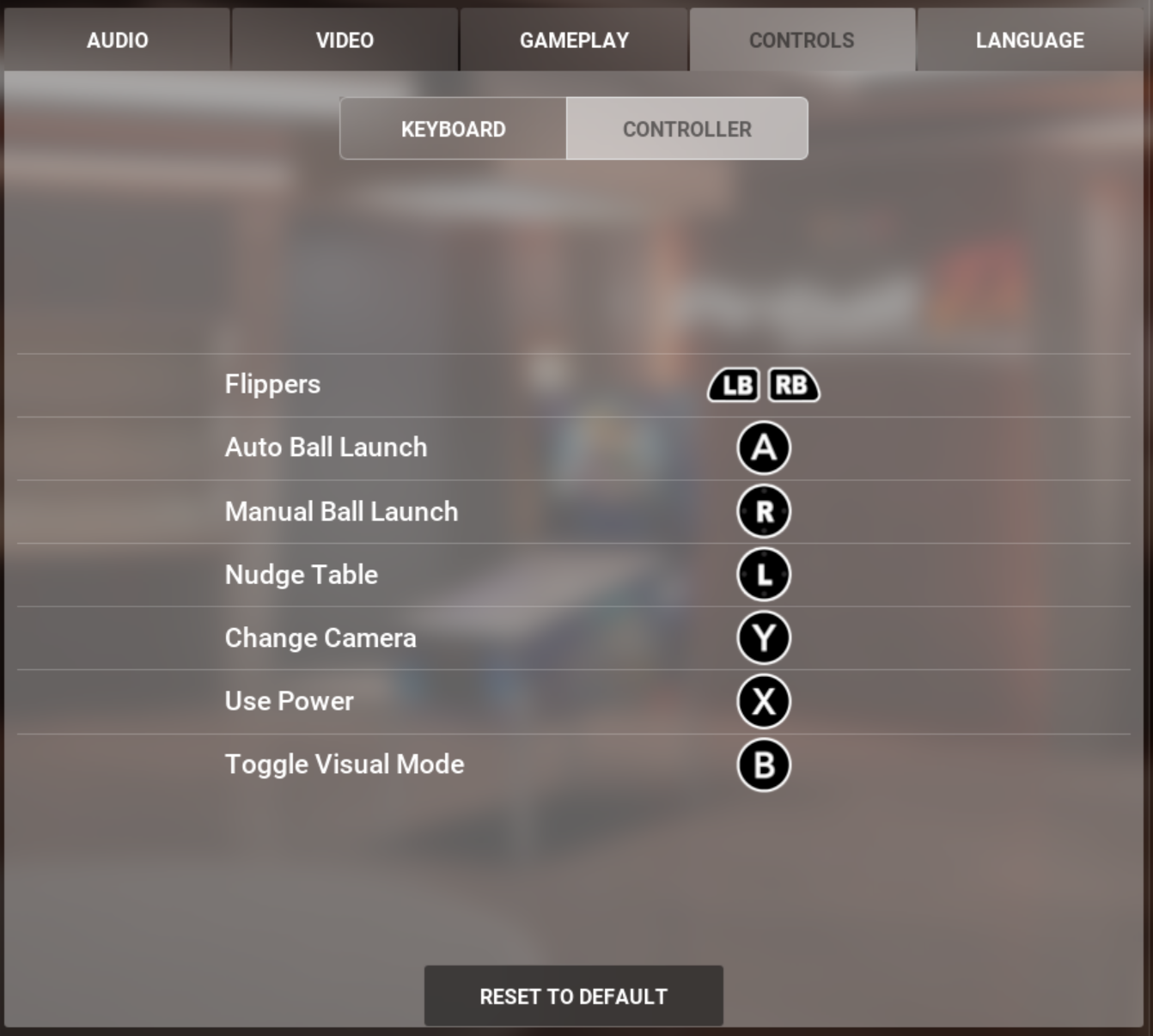
- In Pinball FX, all you need to do is set the controller as show below and you plunger nudge and all buttons should work as desired:
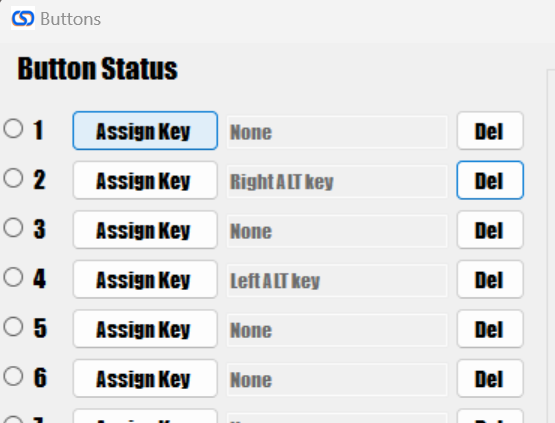
- If you want to also setup the controller to use the magna save buttons as the nudge, you can do that by assigning alt buttons to the controller using the config tool:
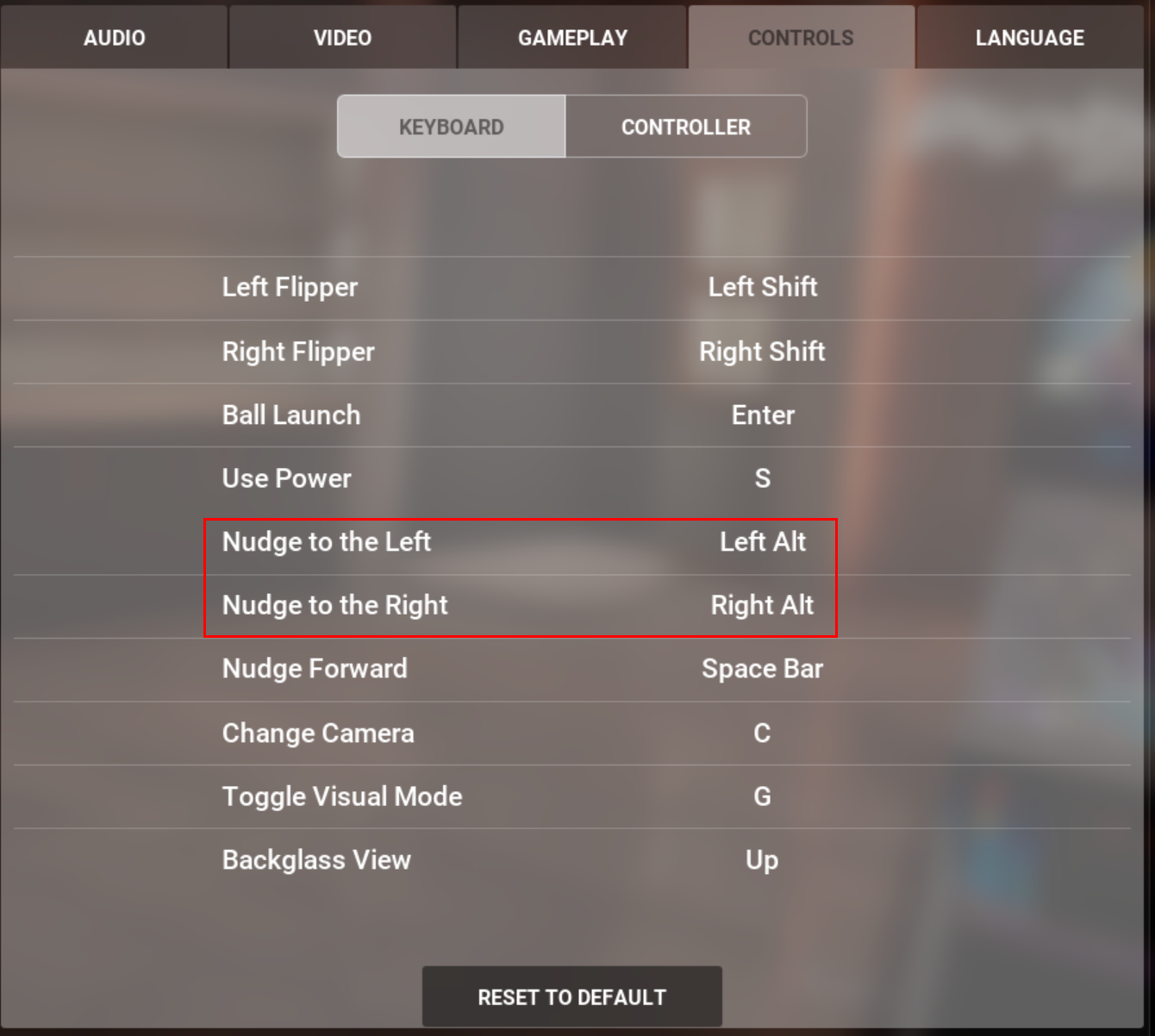
- Then just make sure that the alt buttons are set for nudge left and right in Pinball FX (They should be as that is the default behavior)
Pinball FX from the Epic Store
To get the proper joystick bindings to work with Pinball FX when purchased diretly from the Epic Store, first follow the steps to get the game controller configured in Steam. Then through Steam you "Add a game" at the bottom left of the library, choose the Epic Store exe.
Then you start the Epic Store through your Steam library and then launch Pinball FX from the Epic Store all your settings from Steam are carried though.
You can find more information on how to setup here: https://steamcommunity.com/discussions/forum/0/2924479876995702892/